
Wireless Mouse for Laptop with Three-Gear Audio Button and Lightweight Design, Black Photoelectric Wireless Computer Mouse with Adjustable DPI Settings Using 2 x AA Batteries


Wireless Mouse for Laptop with Three-Gear Audio Button and Lightweight Design, Black Photoelectric Wireless Computer Mouse with Adjustable DPI Settings Using 2 x AA Batteries
Black Wireless Mouse with Audio Control Button for Laptop Computing

This wireless computer mouse provides a cable-free solution for laptop users who need both precise cursor control and immediate access to audio functions. Its black finish suits most computing environments, while the photoelectric sensor ensures reliable tracking on various desk surfaces. The inclusion of a three-gear audio button allows you to adjust volume or control media playback without reaching for keyboard shortcuts, making it particularly useful during presentations, video conferences, or entertainment sessions. Lightweight construction helps maintain comfort during extended use, though specific weight measurements aren't provided in the available specifications.
Features and Construction

This wireless mouse incorporates several practical features designed for everyday laptop use. The core functionality centres on wireless operation, audio control accessibility, and reliable tracking performance.
Material and Build
The mouse features standard computer peripheral construction with plastic housing that houses the electronic components. While exact material grades aren't specified, the design follows conventional wireless mouse architecture with ergonomic shaping for hand positioning. The three-gear audio button is integrated into the top surface, providing tactile feedback when adjusting volume levels. The photoelectric sensor is positioned underneath for surface tracking.
Size and Practical Fit
Although specific dimensions aren't provided, wireless mice of this type typically offer compact proportions suitable for laptop bags and limited desk spaces. The lightweight design mentioned in the source text suggests prioritisation of portability over substantial heft. This makes the mouse particularly appropriate for users who transport their laptops between locations and need an accompanying pointing device that adds minimal bulk to their carrying case.
Uses and Placement
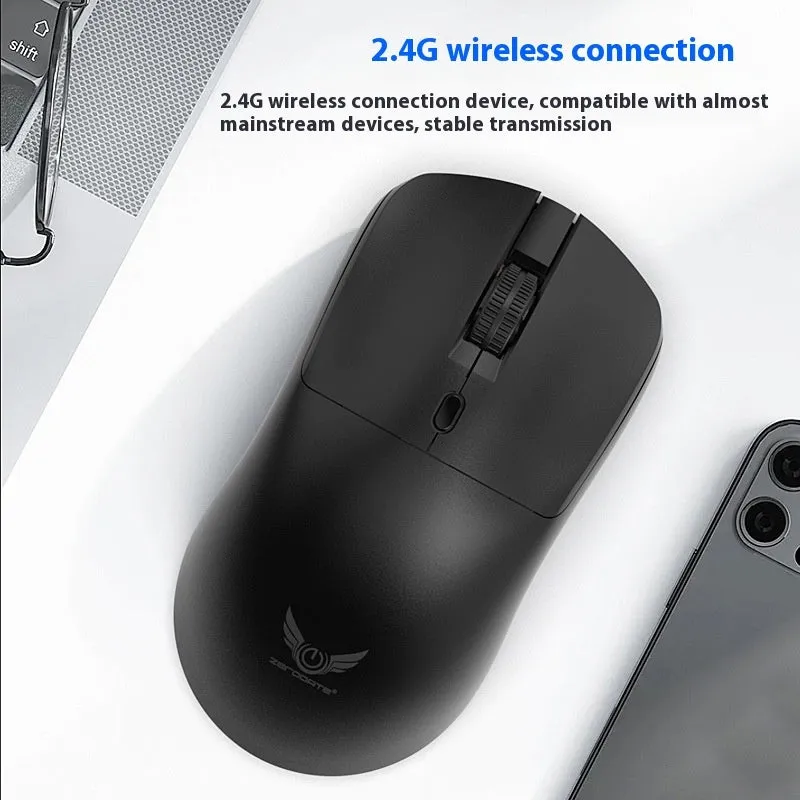
This wireless mouse serves multiple computing scenarios where both pointer control and audio adjustment are required. Its design accommodates both professional and personal computing environments.
Event or Professional Use
During business presentations or video conferences, the three-gear audio button allows presenters to adjust system volume quickly while maintaining control of their cursor. This eliminates the need to minimise presentation software to access audio controls, creating smoother transitions between slides or video segments. The wireless operation provides freedom to move around the presentation area without being tethered to the laptop, particularly useful when using a laptop connected to a projector or large display.
Everyday Home Use
For general laptop computing at home, the wireless mouse offers convenient control without cable restrictions. The audio button provides immediate volume adjustment when watching videos, listening to music, or participating in online calls. Photoelectric sensor technology ensures reliable tracking on various household surfaces including wooden tables, fabric mouse mats, or even slightly textured desks. The AA battery power system means you can use readily available batteries rather than requiring proprietary charging cables or stations.
Benefits and Buying Value
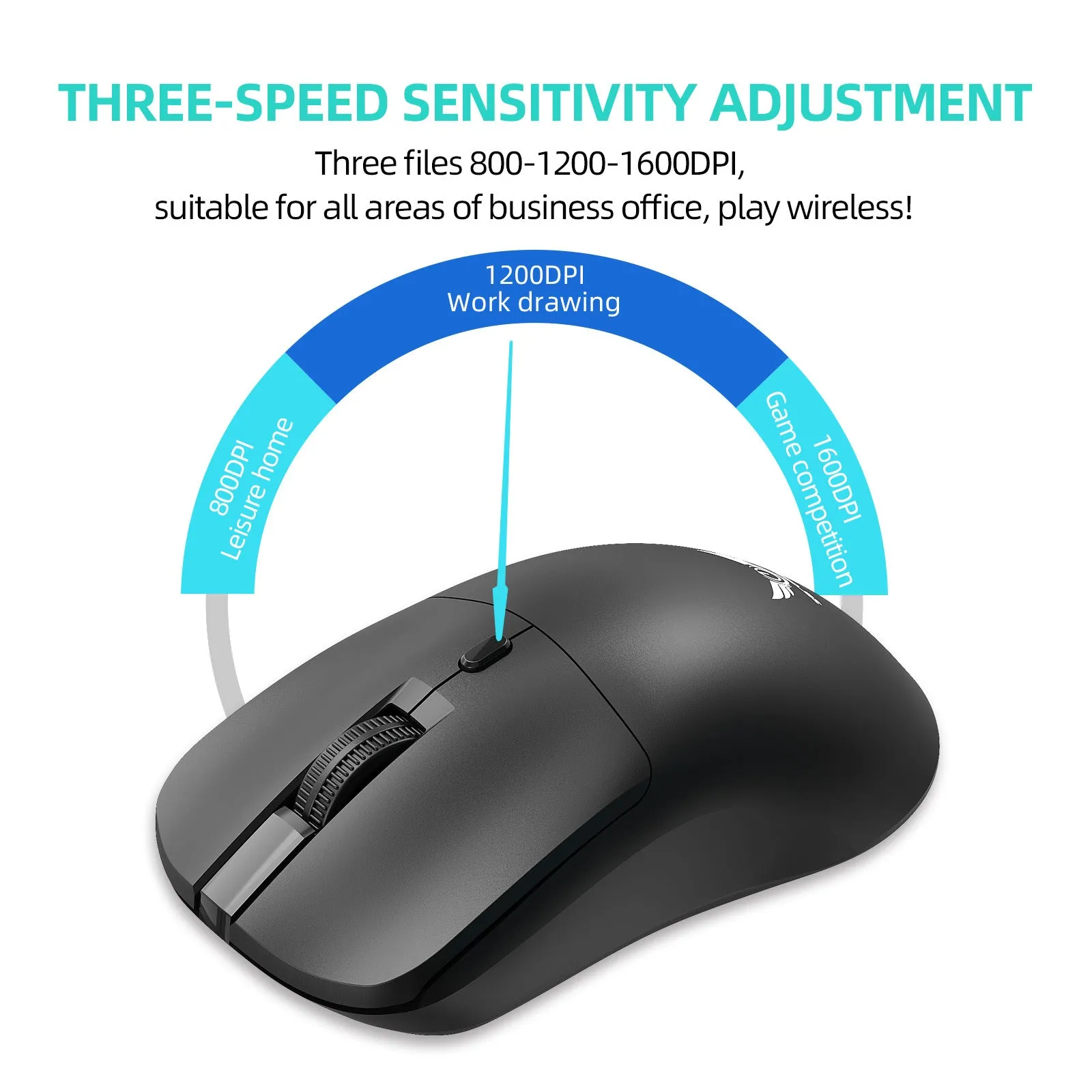
This wireless mouse provides practical advantages through its specific feature combination and straightforward operation. The value lies in solving particular computing needs with dedicated functionality.
Reuse and Low Maintenance
The wireless mouse requires minimal maintenance beyond occasional battery replacement. Standard AA batteries are widely available, and the photoelectric sensor doesn't require cleaning of mechanical components like traditional ball mice. The absence of cables means there are no wires to fray or connectors to damage through repeated plugging and unplugging. This contributes to potential longevity in regular laptop computing scenarios where peripherals are frequently transported and connected.
Why Choose This Product
This wireless mouse is appropriate for laptop users who specifically need integrated audio control alongside standard pointing functions. The three-gear audio button distinguishes it from basic wireless mice that only offer cursor movement and click functions. The photoelectric sensor provides more reliable tracking than older mechanical designs, particularly on uneven surfaces. While it doesn't include advanced gaming specifications or specialised ergonomic features, it offers a balanced combination of wireless convenience, audio control, and laptop compatibility at a practical level.
